
Angularjs, Web Development
AngularJS SEO: Making Your App Search Engine Friendly
Oct
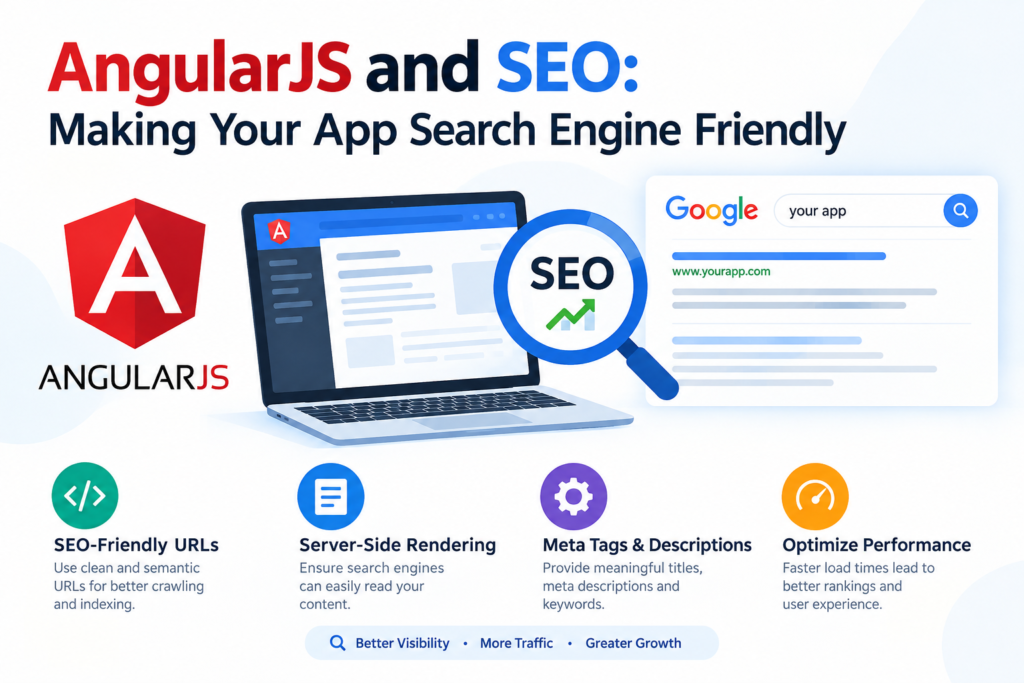
AngularJS and SEO: Making Your App Search Engine Friendly
Search engine optimization (SEO) is essential for websites that rely on organic search traffic. However, building an SEO-friendly application can be more challenging when using JavaScript frameworks such as AngularJS.
AngularJS applications often rely heavily on JavaScript to load and display content dynamically. This can create challenges for search engines when they need to discover, render, and index important page content.
In this guide, we’ll explore the relationship between AngularJS and SEO and look at practical techniques for making AngularJS applications more search engine friendly.
What Is AngularJS?
AngularJS is a JavaScript framework originally developed by Google for building dynamic web applications. It introduced concepts such as two-way data binding, dependency injection, directives, and single-page application (SPA) development.
An AngularJS application can dynamically update content without requiring a traditional page reload.
For example, instead of loading a completely new HTML page for every URL, an application may use JavaScript to update the content displayed to the user.
This provides a smooth user experience, but it can create additional considerations for SEO.
Why Can AngularJS Be Challenging for SEO?
Traditional HTML pages generally contain their primary content directly in the HTML response.
With a JavaScript-heavy application, the initial HTML response may contain relatively little meaningful content. JavaScript then loads data and generates the page content.
A simplified process looks like this:
User/Search Engine
       ↓
Initial HTML
       ↓
JavaScript Execution
       ↓
API/Data Request
       ↓
Rendered Content
Search engines need to be able to discover the URL and process the application’s content before that content can potentially appear in search results.
This means developers need to pay attention to rendering, URLs, metadata, links, and content accessibility.
Use Search-Friendly URLs
Every important page should have a unique, meaningful URL.
For example:
https://example.com/products
https://example.com/products/laptop
https://example.com/about
Avoid relying on URLs that contain unnecessary parameters or don’t clearly identify the content.
A clean URL structure helps both users and search engines understand the organization of a website.
Make Important Content Available in the HTML
One of the most important SEO considerations is ensuring that valuable content can be discovered and rendered reliably.
For example, an AngularJS product page should provide meaningful information such as:
- Product name
- Product description
- Pricing information
- Features
- Specifications
- Images
- Related content
If all of this information depends on JavaScript executing successfully, search visibility can become more complicated.
For SEO-critical pages, developers should consider server-side rendering, static rendering, or pre-rendered HTML where appropriate.
Use Server-Side Rendering or Pre-Rendering
Server-side rendering (SSR) generates HTML containing the page’s content before it reaches the browser.
Instead of returning only a basic application shell, the server can provide HTML that contains the important content.
For example:
Request
   ↓
Server
   ↓
Rendered HTML
   ↓
Browser / Search Engine
Pre-rendering is another approach in which pages are generated ahead of time and served as HTML.
These approaches can make JavaScript-heavy applications easier for search engines to process.
However, the implementation depends on the application’s architecture and the technology stack being used.
Optimize Page Titles
Every important page should have a descriptive and unique title.
For example:
<title>Professional WordPress Development Services</title>Avoid using the same generic title across every route in an application.
For dynamic AngularJS routes, page titles should change based on the content being displayed.
For example:
Home → Web Development Services
About → About Our Web Development Company
Service → WordPress Development Services
Blog → Web Development Blog
Unique titles can help search engines and users understand individual pages.
Add Unique Meta Descriptions
Meta descriptions provide a summary of a page.
For example:
<meta name="description"
      content="Learn how professional WordPress development services can help businesses build fast, secure and scalable websites.">
Each important page should have a relevant description rather than using one generic description throughout the application.
Keep descriptions useful and focused on the actual content of each page.
Use Proper Heading Structure
AngularJS applications should still follow standard HTML heading practices.
Use one primary <h1> for the main topic of the page and use <h2> and <h3> elements to organize subsections.
For example:
<h1>WordPress Development Services</h1>

<h2>Custom WordPress Development</h2>

<h2>WooCommerce Development</h2>

<h2>WordPress Maintenance</h2>
Avoid using headings simply for visual styling. Use them to establish a logical content hierarchy.
Create Crawlable Internal Links
Internal links help users navigate a website and help search engines discover other pages.
Use normal HTML links where possible:
<a href="/wordpress-development">
    WordPress Development
</a>
Important pages should not be accessible only through JavaScript click events that search engines may have difficulty processing.
A logical internal linking structure can also help distribute authority throughout the website.
Create an XML Sitemap
An XML sitemap provides search engines with a list of URLs that you want them to discover.
For example:
<url>
    <loc>https://example.com/products</loc>
</url>

<url>
    <loc>https://example.com/services</loc>
</url>
The sitemap should contain canonical, indexable URLs rather than duplicate or blocked pages.
After creating the sitemap, submit it through the appropriate search engine webmaster tools.
Use Canonical URLs
Duplicate URLs can create SEO problems.
For example, the same content might accidentally be accessible through:
/products/laptop
/products/laptop/
A canonical URL can indicate the preferred version:
<link rel="canonical"
      href="https://example.com/products/laptop">
Canonicalization should be consistent with the actual preferred URL and should not be used as a substitute for fixing larger duplicate-content problems.
Handle 404 Pages Properly
Applications should provide meaningful responses when users request pages that don’t exist.
A missing page should ultimately return an appropriate HTTP 404 response rather than returning the same successful application shell for every unknown URL.
A custom 404 page can provide useful navigation back to relevant sections of the website.
Optimize Page Speed
Website performance is important for both users and search visibility.
AngularJS applications can sometimes load significant amounts of JavaScript.
Consider techniques such as:
- Minifying JavaScript and CSS
- Compressing images
- Lazy loading non-critical resources
- Reducing unnecessary JavaScript
- Using browser caching
- Optimizing API requests
- Compressing server responses
- Removing unused libraries
- Using a content delivery network where appropriate
Performance should be measured using real tools and real user data rather than relying only on assumptions.
Make Images SEO Friendly
Images should have descriptive file names and appropriate alternative text.
For example:
<img src="angularjs-seo-guide.jpg"
     alt="AngularJS SEO and search engine optimization">
Avoid unnecessary keyword stuffing in alt attributes.
Alt text should describe the image when the image conveys meaningful information.
Use Structured Data Where Appropriate
Structured data can help search engines understand certain types of content.
Depending on the website, you may use structured data for:
- Articles
- Products
- Organizations
- Local businesses
- Breadcrumbs
- Events
- FAQs
For example, an article page may use Article structured data containing information such as its headline, author, publication date, and image.
Structured data should accurately represent visible or otherwise eligible page content.
Manage JavaScript Errors
JavaScript errors can prevent important content from being rendered.
Regularly check your application for:
- Console errors
- Failed API requests
- Broken routes
- Missing resources
- Rendering failures
- Authentication-related problems
An application that works correctly for developers may still have rendering problems under different conditions.
Test Your AngularJS Application for SEO
SEO testing should be part of the development process.
Check important URLs for:
- Crawlability
- HTTP status codes
- Page titles
- Meta descriptions
- Canonical URLs
- Heading structure
- Internal links
- Rendered content
- Structured data
- Mobile usability
- Page performance
- Indexing status
Testing should be performed on actual production-like pages rather than relying exclusively on the development environment.
AngularJS SEO Checklist
Before launching an AngularJS application, use the following checklist:
- Use descriptive URLs
- Make important content accessible to crawlers
- Implement appropriate rendering techniques
- Create unique page titles
- Write relevant meta descriptions
- Use logical heading structures
- Create crawlable internal links
- Generate an XML sitemap
- Configure canonical URLs
- Handle 404 pages correctly
- Optimize JavaScript and page performance
- Add descriptive image alt text
- Implement appropriate structured data
- Check JavaScript errors
- Test important pages for rendering and indexing
- Monitor search performance after launch
Should You Still Use AngularJS for New SEO-Focused Websites?
AngularJS is now a legacy framework, so it is important to distinguish between maintaining an existing AngularJS application and choosing a technology for a new project.
If you already have an AngularJS application, improving its rendering, URL structure, metadata, performance, and crawlability can help address SEO requirements.
For a new project, developers should also evaluate modern frameworks and rendering technologies that provide built-in or well-supported approaches for server-side rendering, static generation, and SEO.
The technology choice should depend on the project’s requirements, existing infrastructure, development expertise, and long-term maintenance needs.
Conclusion
AngularJS applications can be made more search engine friendly, but SEO needs to be considered as part of the application’s architecture rather than added at the end of development.
Clean URLs, accessible content, appropriate rendering, unique metadata, crawlable links, structured data, correct HTTP responses, and good performance all contribute to a technically sound SEO implementation.
For existing AngularJS applications, a technical SEO audit can help identify rendering, indexing, performance, and navigation issues. For new projects, selecting an appropriate rendering architecture from the beginning can make SEO implementation considerably easier.
By combining good frontend development practices with technical SEO principles, developers can create AngularJS applications that provide a strong user experience while making their content easier for search engines to discover and understand.
