
Php
Creating a Login System with PHP and MySQL
Sep
To create a login system with PHP and MySQL, you will need to follow these steps:
1. Set up a MySQL database: Create a new database in your MySQL server to store user information. You can use a tool like phpMyAdmin or the MySQL command line to create the database.
2. Create a users table: Inside the database, create a table called "users" with columns for username, password, and any other relevant user information you want to store.
3. Create a registration form: Create an HTML form where users can enter their desired username and password. This form should submit the data to a PHP script for processing.
4. Process the registration form: In the PHP script that receives the registration form data, connect to the MySQL database and insert the new user’s information into the "users" table. Make sure to hash the password using a secure hashing algorithm like bcrypt before storing it in the database.
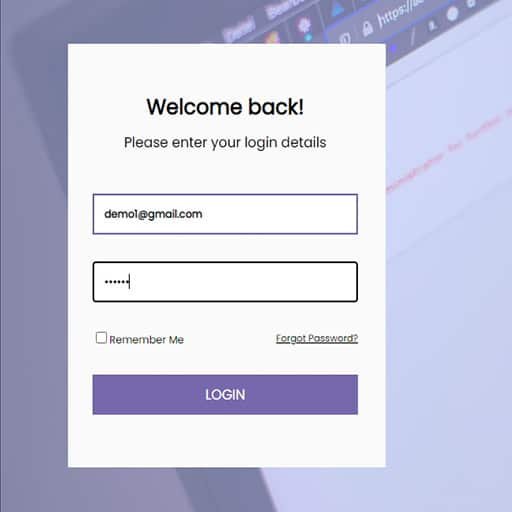
5. Create a login form: Create an HTML form where users can enter their username and password to log in. This form should also submit the data to a PHP script for processing.
6. Process the login form: In the PHP script that receives the login form data, connect to the MySQL database and retrieve the user’s information based on the entered username. Verify the entered password against the stored hashed password using the password_verify() function. If the passwords match, set a session variable to indicate that the user is logged in.
7. Implement authentication checks: On any page that requires authentication, check if the session variable indicating a logged-in user is set. If not, redirect the user to the login page.
8. Implement logout functionality: Create a logout script that destroys the session and redirects the user to the login page.
Remember to always sanitize and validate user input to prevent SQL injection and other security vulnerabilities. Additionally, consider using prepared statements or an ORM (Object-Relational Mapping) library to interact with the database securely.
